Building Your First MCP Server with .NET: Connecting AI to Real Backend Tools
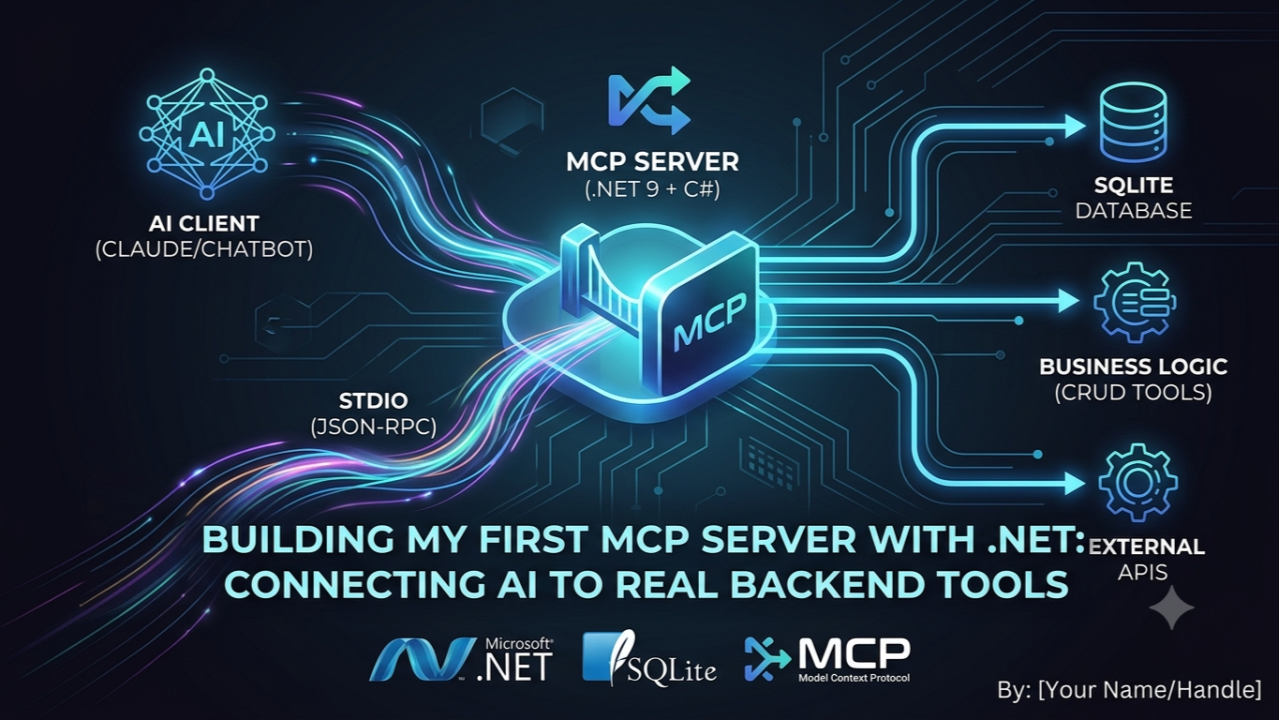
I recently built my first MCP Server using .NET, and it changed how I think about AI integrations. Most of the time, we use AI like a chat interface: ask a question, get an answer. But real software systems need more than answers. They need actions. They need to read from a database, call APIs, update records, run business logic, and return structured results. That is where MCP comes in.
MCP stands for Model Context Protocol. In simple terms, MCP is a standard protocol that allows an AI client to communicate with external tools, services, databases, and applications in a structured way.
Instead of hardcoding every integration separately for every AI tool, MCP gives us a common pattern:
AI Client → MCP Server → Application Logic / Database / API
So the AI does not directly or magically access my system. It calls clearly defined tools that I expose from my server. That makes the integration more controlled, reusable, and practical.
The Server
In my project, I built a .NET 9 MCP server using C#. The server communicates through stdio using JSON-RPC, and the tools are automatically discovered from C# methods marked with MCP attributes.
Example server setup:
var builder = Host.CreateApplicationBuilder(args);

builder.Services
    .AddMcpServer()
    .WithStdioServerTransport()
    .WithToolsFromAssembly();

await builder.Build().RunAsync();
Then I created tools around a real SQLite database.
Example MCP tool:
[McpServerToolType]
public static class BookTools
{
    [McpServerTool, Description("Adds a new book and returns it with its generated id.")]
    public static Book AddBook(
        [Description("The book's name/title")] string name,
        [Description("The book's price")] double price)
        => BookRepository.Add(name, price);
}
Behind this tool, I used SQLite to store the data safely with parameterized SQL:
command.CommandText =
    "INSERT INTO Book (Name, Price) VALUES ($name, $price); SELECT last_insert_rowid();";
command.Parameters.AddWithValue("$name", name);
command.Parameters.AddWithValue("$price", price);
AI in Action
So now the AI client can receive a natural language request like: “Add a book called Dune priced 19.99” — and internally it can call my MCP tool:
{
  "name": "add_book",
  "arguments": {
    "name": "Dune",
    "price": 19.99
  }
}
Output:
{
  "id": 1,
  "name": "Dune",
  "price": 19.99
}
Another example — “List all books.”
Tool call:
{
  "name": "get_books",
  "arguments": {}
}
Output:
[
  {
    "id": 1,
    "name": "Dune",
    "price": 19.99
  }
]
I also added full CRUD support:
- Get all books
- Get a book by ID
- Add a book
- Update a book
- Delete a book
The Lesson
The important lesson for me was this: MCP is not just about connecting AI to tools. It is about creating a clean contract between AI and software systems. The AI understands the available tools, their descriptions, their input parameters, and their expected output. Then it can decide when and how to use them.
Why MCP is useful:
- It gives AI controlled access to real application logic
- It avoids random or unsafe direct system access
- It makes tools reusable across MCP-supported clients
- It works well with APIs, databases, scripts, and internal services
- It turns natural language into real backend actions
This small project helped me understand how AI can move from “chatting” to actually operating with software systems.
GitHub repo: https://github.com/onsaurav/MyFirstMcpServer
Tech stack used: .NET 9, C#, ModelContextProtocol, SQLite, JSON-RPC, stdio transport.
This was my first MCP server, but it opened a much bigger idea: The future of AI in software is not only better prompts. It is better tools, better protocols, and better integration with real systems.